

Bloodborne PC Port
A 64-bit Windows port of Bloodborne (CUSA03173, version 1.09). The game's x86-64 code runs directly on your processor, a Win32 runtime covers system calls, and shadPS4 draws the world through Vulkan. It boots, loads saves, and plays with audio, gamepad, and mouse look.
- Windows
- Playable
- v0.6.2
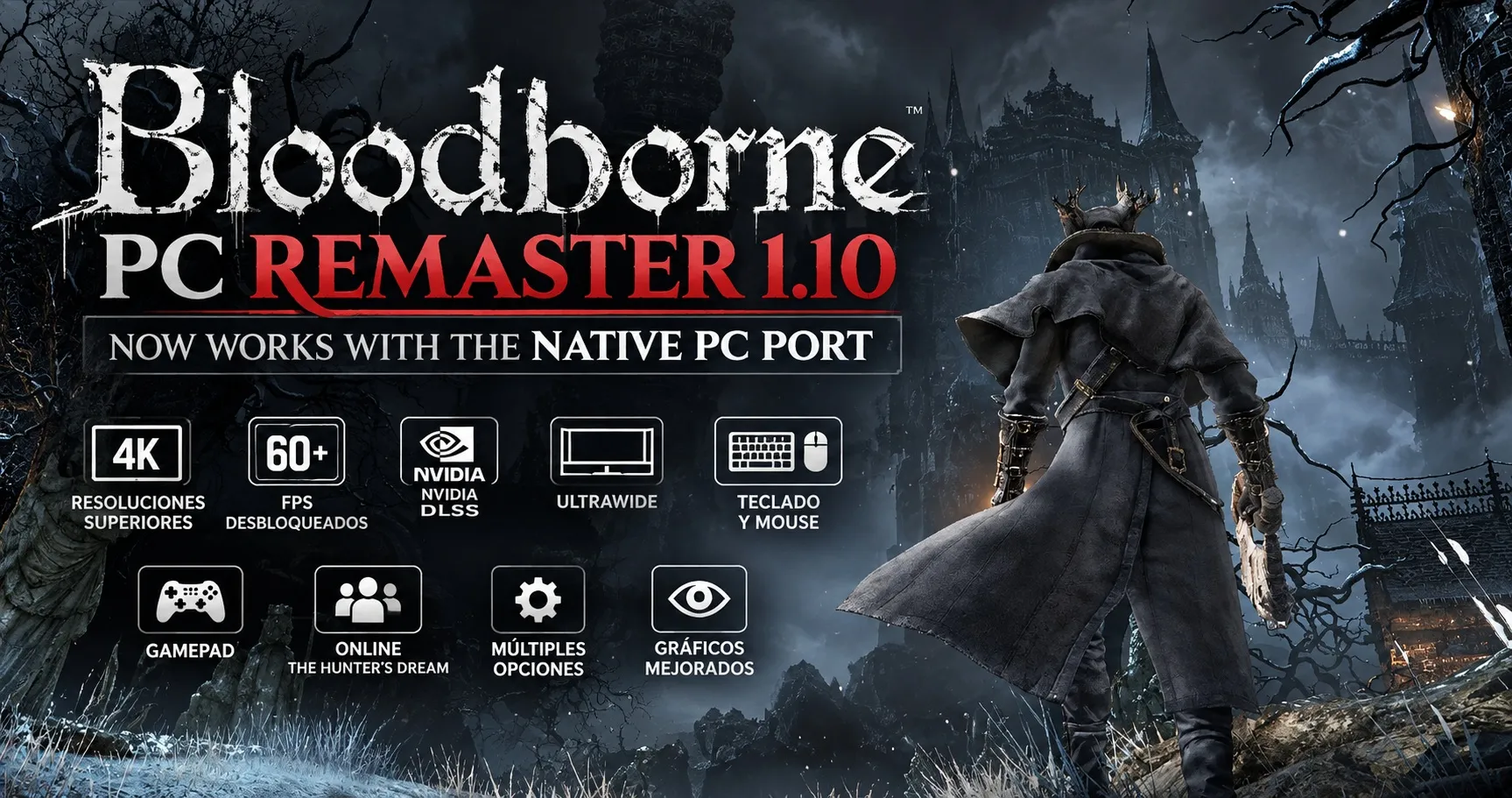
What is Bloodborne PC Port
Bloodborne PC Port is a Windows adaptation of deadinside28's Linux bbport. It loads the retail PlayStation 4 executable into a flat memory image and supplies a high-level Win32 runtime for system calls. It is a loader for the existing game binary, and it ships with no game files.
- Native CPU ExecutionPlayStation 4 game code is already x86-64. It runs on your processor with no CPU emulator, virtual machine, or JIT recompiler.
- Vulkan GraphicsshadPS4 translates PS4 command streams and GCN shaders into Vulkan pipelines, with a multithreaded draw path and FSR upscaling.
- Windows RuntimeMemory mapping, threading, file I/O, and PS4 libc calls are implemented with Win32. Audio uses LibAtrac9 and SDL3.
How to Start Playing
Download the Windows release, point the launcher at your own Bloodborne files, then choose frame rate, resolution, and upscaling. Current status on Windows is playable: the game boots, loads saves, and keeps audio, controls, and progress.
Get the Windows Build
Download the latest release and extract it to its own folder. The archive includes a portable Python runtime, so a separate Python install is unnecessary.
Select Your Game Files
Open BloodborneLauncher.exe and choose your CUSA03173 version 1.09 eboot.bin or game folder. You provide the game files yourself. This project does not include them.
Launch and Tune
Pick a target frame rate, an internal resolution, and FSR if you want it. Enable patches such as Skip Intro, set mouse look and keybinds, then click Launch Bloodborne.
What the Port Includes
A Windows loader, a Vulkan renderer, and a desktop launcher for Bloodborne version 1.09. Independent of Sony Interactive Entertainment, FromSoftware, and AMD.
60, 90, or Uncapped FPS
Community simulation patches target 30, 60, 90, or an uncapped frame rate while keeping physics and movement in step. 60 FPS is the recommended starting point.
FSR 3.1 and FSR 4
The port builds motion from the depth buffer and previous-frame vertices, then upscales the scene while the interface stays at your display resolution.
Direct Mouse Look
A camera hook takes raw mouse movement for full yaw and pitch. Sensitivity, smoothing, responsiveness, and acceleration are adjustable in the launcher and overlay.
Desktop Launcher
BloodborneLauncher.exe sets frame rate, resolution, FSR, community patches, and keybinds. run.bat remains available for a scripted start.
Gamepad, Audio, Saves
SDL3 gamepads work alongside keyboard and mouse. AT9 audio plays through LibAtrac9. Saves and shader caches live in the user folder.
In-Game Overlay
Press Insert, or L3 + R3, to change resolution, sharpness, keybinds, and graphics while playing. F1 captures or releases the mouse. Settings write to bbport.ini.
Work This Port Stands On
Bloodborne PC Port adapts an existing Linux loader and open graphics projects. These are the pieces named in the project credits.
deadinside28
Original Linux Port
Created bbport: the flat memory image, the two-stage Vulkan pipeline, relative mouse look, and synthetic motion vectors this Windows build adapts.
shadPS4 Team
Vulkan Video Core
Provides the GPU command translation and shader recompiler. Desktop GPUs receive Vulkan pipelines from that core.
FireBurn
FSR Runtime
FSR-Vulkan temporal upscaling lets the scene render below display resolution while the HUD stays sharp.
Thealexbarney
LibAtrac9
LibAtrac9 decodes the game's AT9 audio on Windows, with soft clipping to keep playback free of pops.
Patch Authors
60 FPS and Camera
Kyo, Lance McDonald, illusion, emoose, auser1337, and other contributors wrote the frame-rate, camera, and engine patches for version 1.09.
Mrsuss60
Windows Port
Replaced the Linux memory and threading layer with a Win32 runtime, added the PySide6 launcher, and ships the Windows releases.
What you need to know.
How the port runs, what hardware it expects, and what you need to supply before the first launch.
Is this an emulator or a source port?
Game logic runs as the original x86-64 machine code on your CPU. Graphics go through shadPS4, which turns PS4 command packets and shaders into Vulkan. The project loads the retail executable. It is a runtime and renderer around that binary.
Can I play Bloodborne on Windows today?
Yes. The Windows build is marked playable: it boots, loads saves, and runs with audio, gamepad support, and persistent progress. It remains a community port, so individual scenes can still hitch or need a settings change.
Does native CPU execution mean the game is free of overhead?
The CPU side runs directly. Shader translation, draw submission, frame pacing, and upscaling still take time. Compiled Vulkan pipelines are cached on disk, so later launches skip most of the first-run shader stutter.
What PC do I need?
Windows 10 or 11, 64-bit. The GPU needs Vulkan 1.3: NVIDIA GeForce GTX 10-series or newer, AMD Radeon RX 400-series or newer, or Intel Arc. The CPU needs AVX 1.0 and SSE4.2. AVX2 is optional.
Which game files does the launcher expect?
A decrypted Bloodborne directory for title CUSA03173, version 1.09, including eboot.bin. Releases and this site contain the loader only. Bring game files you are allowed to use.
How do I launch and where are my saves?
Use BloodborneLauncher.exe, or run.bat with the path to your game folder. Saves and shader caches are stored under user/. Launcher and overlay settings are stored in bbport.ini.
Which frame rate should I pick?
The launcher offers 30, 60, 90, and uncapped. 60 FPS is the stable default for frame pacing. Use one frame-rate patch at a time. If a busy fight stutters, drop back to 60 before stacking other patches.
Where is the download?
Windows builds are published on the Mrsuss60/bloodborne_pc_windows_port GitHub releases. The current tag is v0.6.2. Use this site's download page for the package and the setup guide for first launch. Questions and crash logs go to the project Discord.
Play Bloodborne on Windows
Grab the latest Windows build and read the setup guide before you point the launcher at your game folder.